
Solbox features: focus sounds, noise colors and a Pomodoro timer
Focus sounds, a timer that lives on your Lock Screen, and small details that keep you in the zone.
Solbox is an iPhone app that combines 15 noise colors and textures, 6 body doubling ambiences, 16 nature soundscapes, 27 binaural and isochronic presets and solfeggio tones with a Pomodoro timer and a sleep timer. You can mix sounds, play them alongside other apps and see your countdown on the Lock Screen.

One tap to focus
The Focus button starts your default sound, volume and timer in one tap. No browsing, no setup, no decisions at the exact moment you are trying to start.
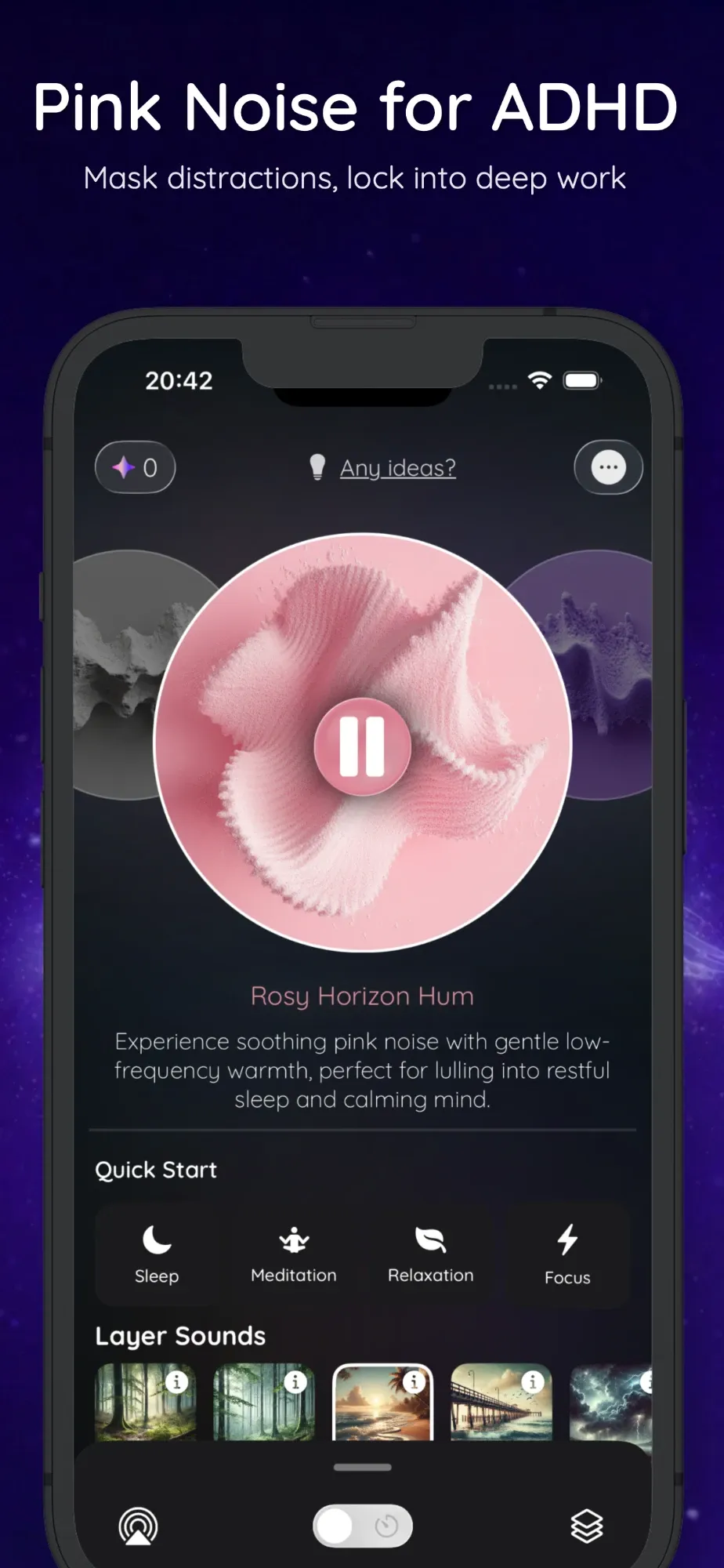
Quick Start cards for Sleep, Meditation, Relaxation and Focus each open a ready-made mix of tone, noise and soundscape.
- Your sound, volume and timer in one tap
- Quick Start mixes for four goals
- Change the default any time
Pomodoro timer with focus sounds
Work in 25/5, 50/10 or 90/20 blocks, or set your own intervals with Solbox Pro. A gentle chime marks the start and end of each break, and Solbox runs four cycles by default.
- 25/5, 50/10 and 90/20 presets
- Custom work and break lengths (Pro)
- Chimes and notifications between blocks
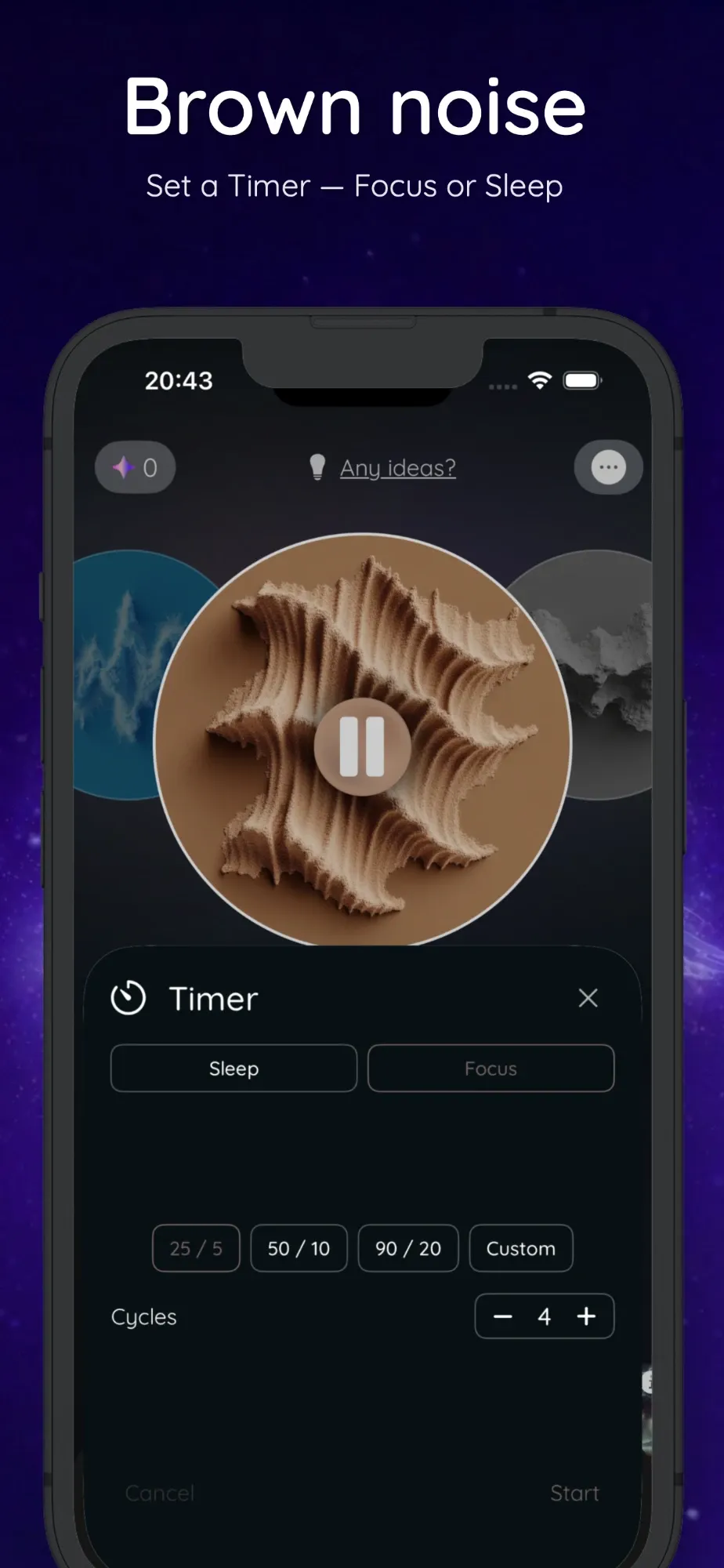
Countdown on your Lock Screen
The timer shows as a Live Activity on the Lock Screen and in the Dynamic Island, with pause, resume and stop buttons. Check the time left without opening the app and getting pulled into your phone.
15 noise colors and textures
White, brown, pink, green, grey, blue and violet noise, plus Solbox textures such as Amber Drift, Velvet Noise, Earth Hum and Silver Static. Brown noise is free.
- Deep, warm, balanced and bright options
- Seamless loops with no audible gap
- Each noise has its own volume
Body doubling sounds
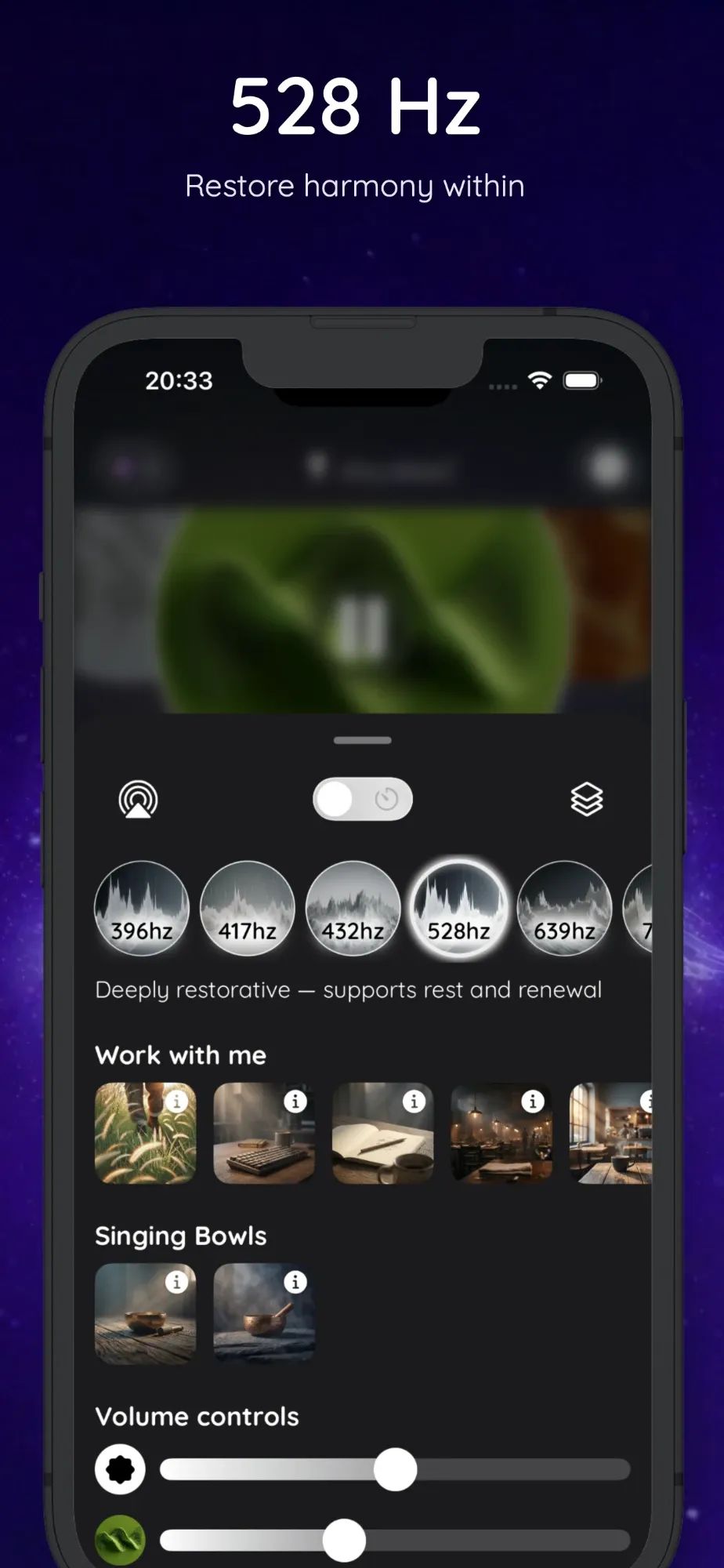
ProCoffee shop, office and restaurant ambience, plus keyboard typing, pencil on paper and footsteps. They recreate the feeling of working next to someone, which many ADHD brains find helps them start and keep going.
16 soundscapes to layer
Mix rain, storms, ocean, forest, crickets, wind and a crackling fire on top of any noise. Every layer has its own volume, so a mix can be as subtle or as rich as you like.
Sleep timer with fade-out
Set a timer from a few minutes up to 8 hours 55 minutes. When it ends, the sound fades out slowly instead of cutting off, so the silence doesn't wake you.
Solfeggio tones from 396 to 852 Hz
Seven pure tones, each paired with its own soundscape and haptic pattern: 396, 417, 432, 528, 639, 741 and 852 Hz. They are listening options; we make no health claims about them.
27 binaural and isochronic presets
Presets across delta, theta, alpha, beta and gamma, from Deep Sleep at 2 Hz to Peak Cognition at 40 Hz, with Low, Normal and High intensity. Binaural mode needs headphones; isochronic mode works on speakers, and Solbox switches automatically when no headphones are connected.
3D Audio
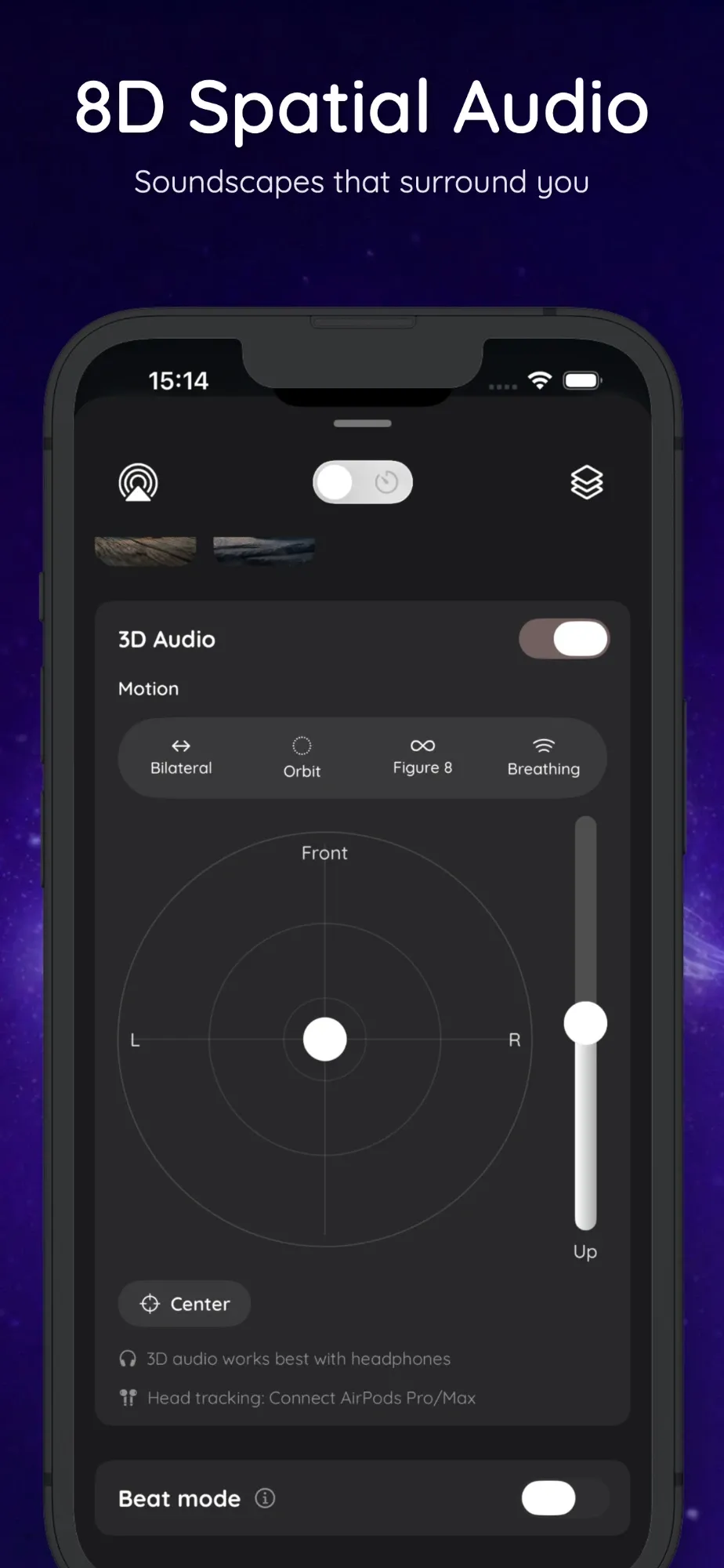
ProMove sound around your head with four motion presets: Bilateral, Orbit, Figure 8 and Breathing. Choose the speed, place the sound on a position pad, and use AirPods head tracking to keep the sound field anchored as you turn.
Haptic sync
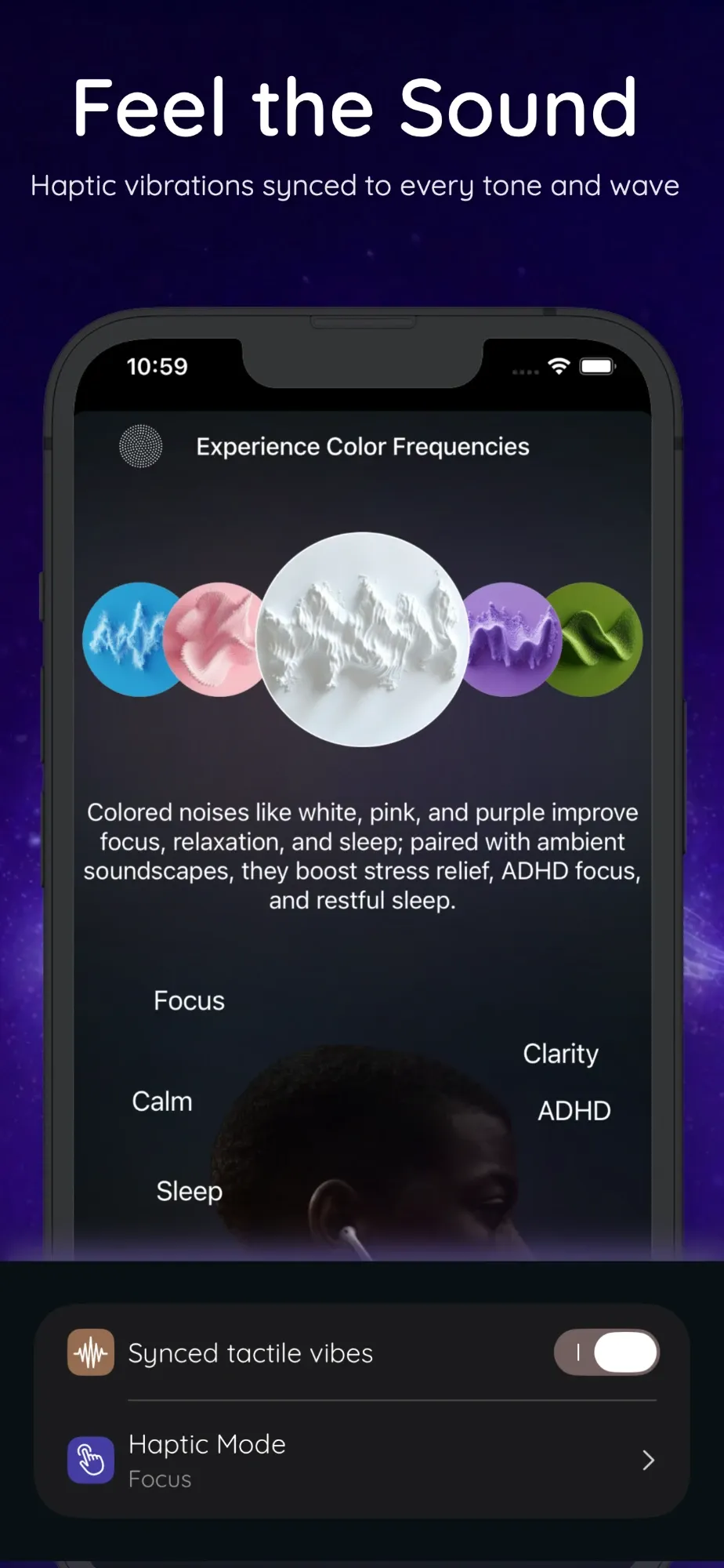
Optional, subtle vibrations in time with your audio, with Sleep, Focus and Balanced modes. Each solfeggio tone has its own vibration pattern.
AI sound effects
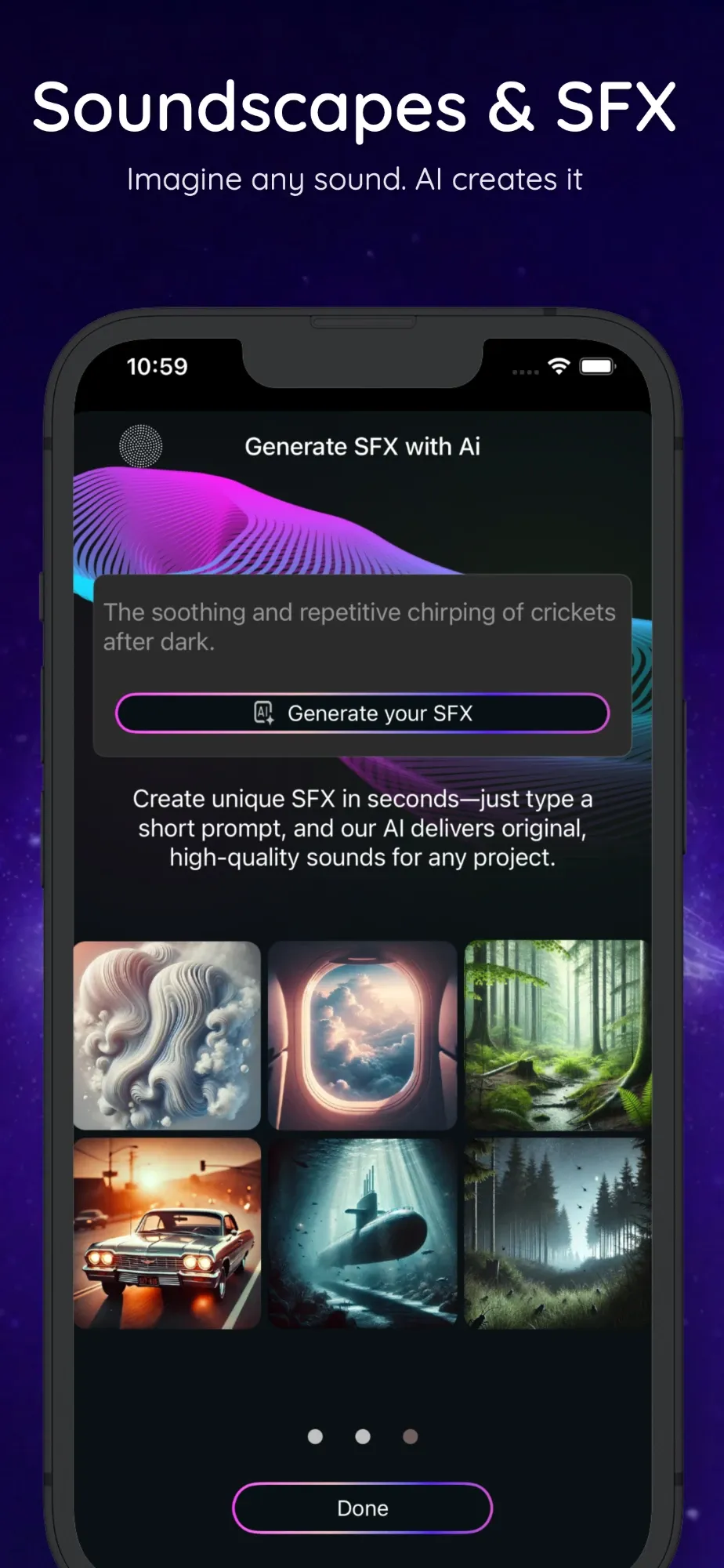
Type what you want to hear, like "crickets under a summer sky" or "gentle ocean at sunset", and Solbox creates a 30-second looping sound for you. Your first one is free; more use Sound Coins, and Pro includes a daily allowance.
Plays with Spotify, YouTube and podcasts
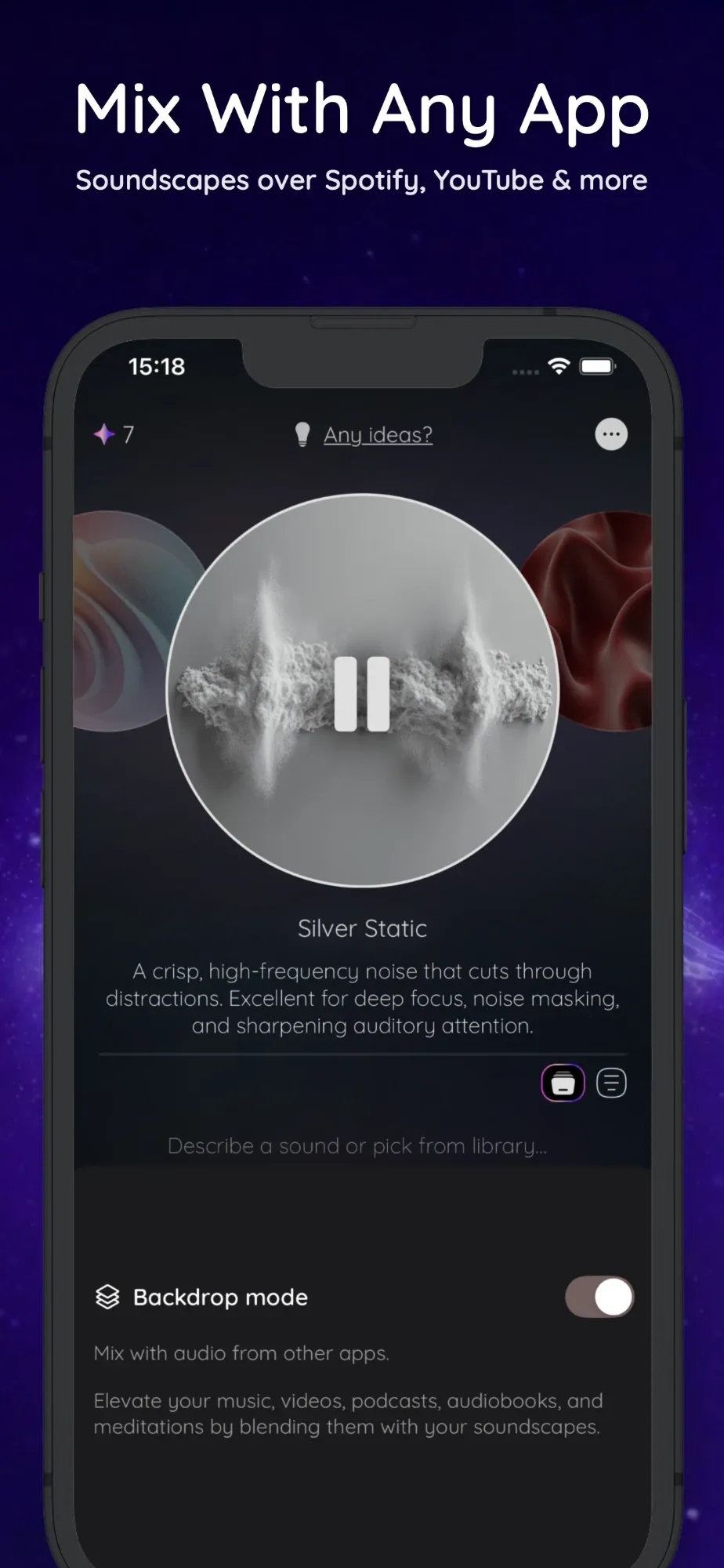
ProBackdrop mode keeps Solbox playing under your music, videos or podcasts instead of pausing them. Solbox also works with AirPlay, plays in the background and from the Lock Screen, and bundled sounds work offline. The app is available in 22 languages.
Free vs Pro
Start free, upgrade if it clicks
Solbox is free to download with a starter set of sounds. Solbox Pro unlocks the whole library and the advanced audio features.
| Feature | Free | Pro |
|---|---|---|
| Pomodoro 25/5, 50/10, 90/20 and sleep timer with fade-out | ||
| Brown and blue noise, 396 and 417 Hz tones | ||
| 3 binaural presets: Deep Sleep, Calm Relaxation, Deep Focus | ||
| Rain and forest layers, singing bowls, 1 AI sound | ||
| All 15 noises, all 7 tones, all 27 binaural presets | ||
| All 16 soundscapes and 6 body doubling ambiences | ||
| Isochronic mode, 3D Audio and playing over other apps | ||
| Custom Pomodoro intervals and favorites |
Solbox Pro is available weekly, yearly or as a one-time lifetime purchase through your Apple Account. The App Store shows your local price and any trial before you buy, and you can cancel any time in Settings.